


Beauty bookings in Tirana
Book your salon without a phone call
See the prices and free times, then choose who and when. You pay at the salon, as always.
- Coming soon toApp Store
- Coming soon toGoogle Play
- Free for clients
- Pay at the salon
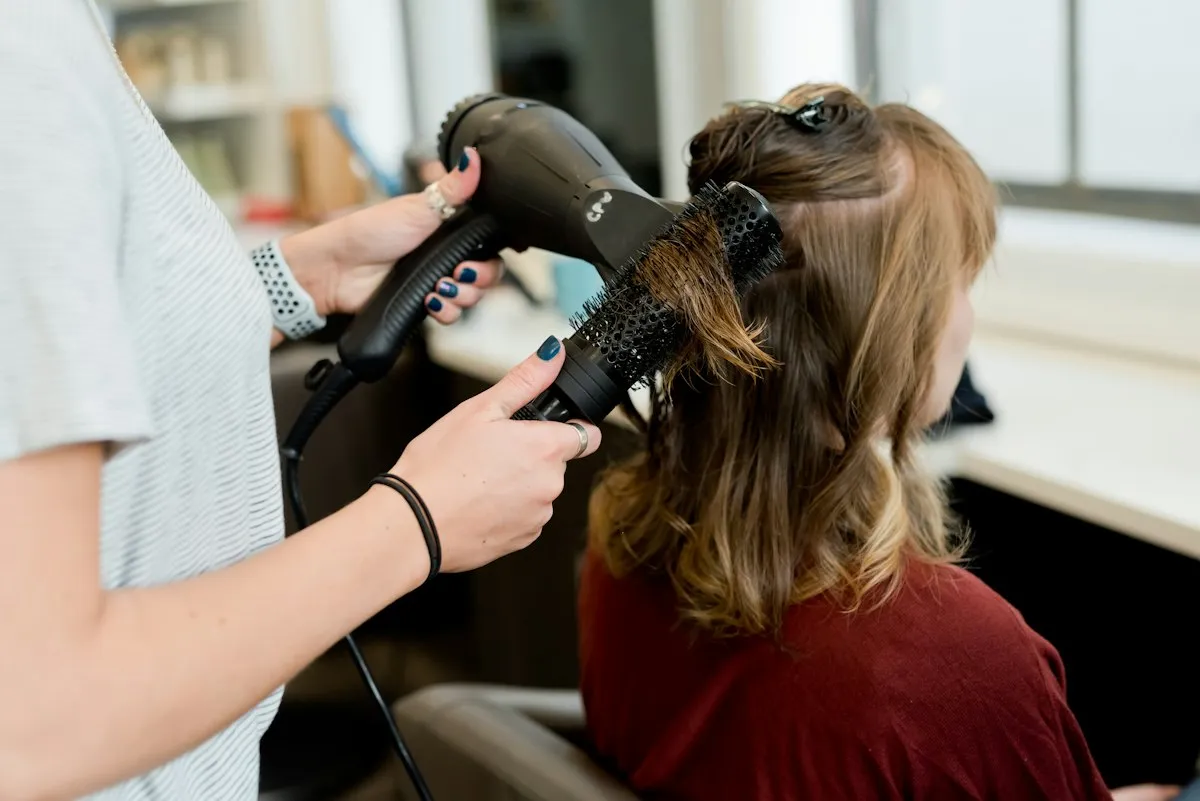



What you can book
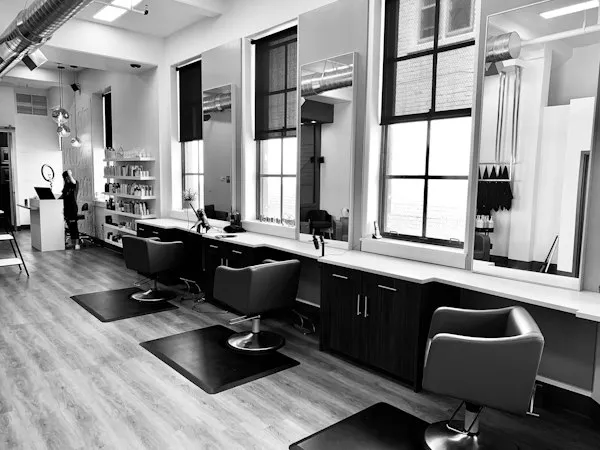 Hair
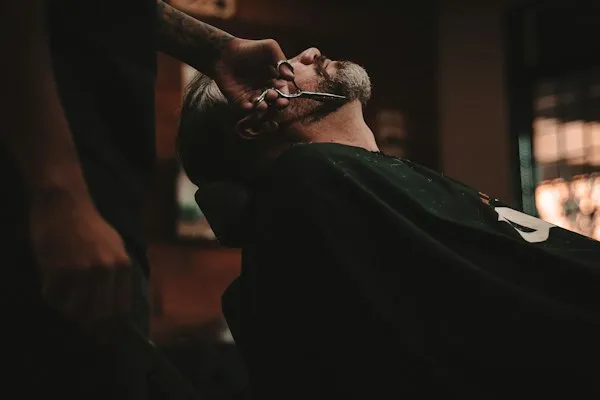 Barber
 Nails
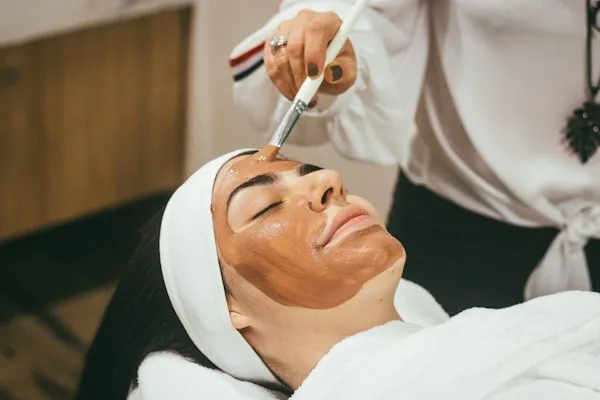 Aesthetics
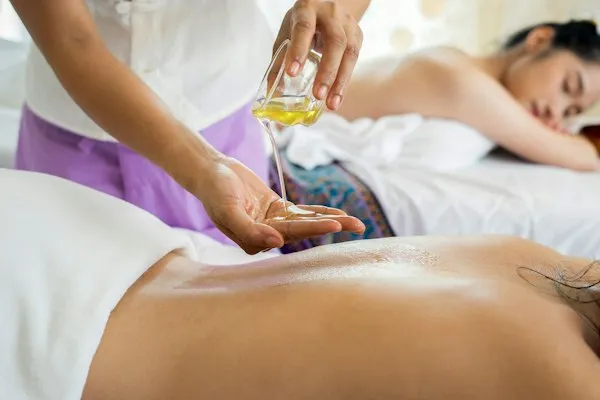 Massage
 Spa
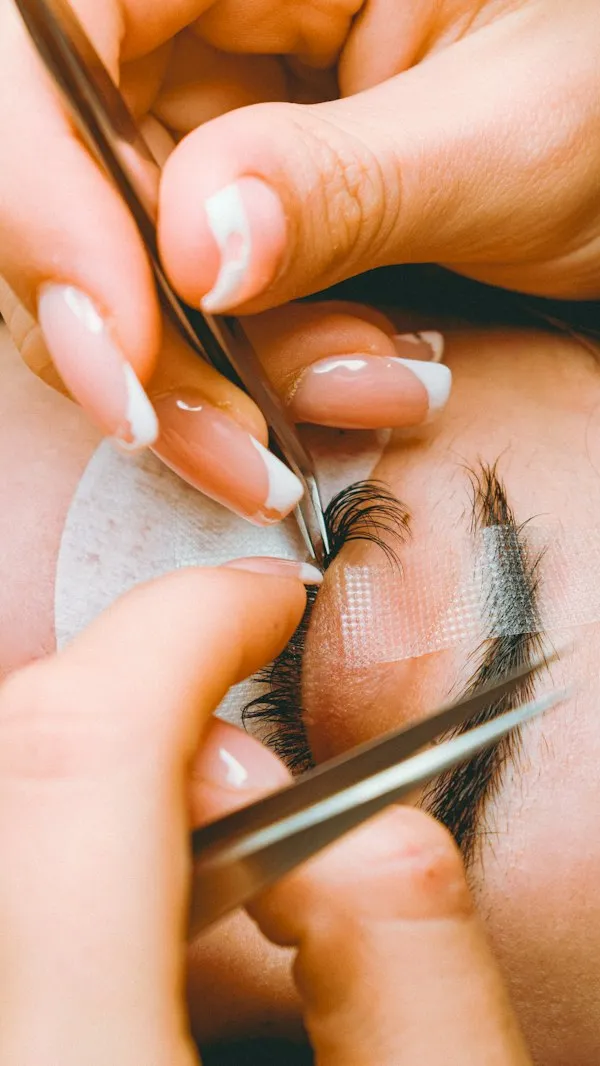 Brows & lashes
How it works
From your search to the salon chair
Find a salon
Search by service or name, or see what is near you. Every salon lists its services with price and duration, along with photos and reviews.
Choose a time
You only see times when someone is free. Pick a person, or Anyone for more options, and confirm with your phone number and the code we send by SMS.
Go to the salon
We remind you the day before and two hours before. If something comes up, move or cancel it in the app; cancelling is free up to the salon’s limit.
Bukuria Club
Every visit earns you points
Your Club card is in the app from day one. Show it at the salon when you pay: the points land as soon as the salon closes your visit.
You earn points when
- you join the Club
- you complete a visit at a Bukuria salon
- you review a visit
- a friend signs up with your code and completes a first visit
Soon you will be able to spend your points too.

Bukuria Business
Clients book on their own, even when your hands are busy
Bukuria Business keeps the whole team’s agenda on your phone or tablet. You set the services and hours; clients only see the free times. Every new booking or cancellation reaches you as a notification.
The app for salons
- Coming soon toApp Store
- Coming soon toGoogle Play
The team’s agenda
A column for each person. Add the bookings you take by phone or at the desk too, so nobody books over them.
Confirmation, your way
Bookings confirm straight away or wait for your approval. You choose, in the salon’s settings.
The Club card at the counter
Scan the client’s QR code when they pay: the visit is closed and the client gets their points.
Reviews from real visits
Only people who came to the salon can leave a review, and you can answer them publicly.
How to add your salon
Download Bukuria Business and register your salon.
Add your services, team, hours and photos.
The Bukuria team checks the salon and turns on your subscription. From then on, clients find you in search.
Common questions
Does it cost anything to book?
No. Booking on Bukuria is free; you pay for the service at the salon.
Do I pay in the app?
No, the app never asks for a card. You pay at the salon, in cash or by card where it is accepted; the salon’s page tells you which.
Do I need an account to look around?
No. You can browse salons and prices freely. We only ask for your phone number when you confirm a booking.
What if I need to cancel?
Cancel in the app, free of charge, up to the limit the salon has set. You see that limit before you confirm.
Where is Bukuria available?
In Tirana, for now.

Book your next look
The app for clients
- Coming soon toApp Store
- Coming soon toGoogle Play